
How to Use Vistara AI: Step-by-Step Guide
Everything from sign-up and business verification to building an AI voice agent, launching a calling campaign, recharging your wallet and connecting the API.
Updated
From sign-up to your first AI call in about 5 minutes
- Sign up with your mobile number (1 min). OTP login, no credit card. Verify your GSTIN to get ₹150 free credit (₹50 without), enough for up to 200 calls.
- Create an agent from a template (2 min). Pick a use case, then edit the greeting, script, voice and language (10 Indian languages plus Hinglish).
- Call your own phone (1 min). Place a test call from the agent page and hear the agent respond, typically in 450–600 ms.
- Upload a list and launch (1 min). Upload an Excel or CSV file, map the columns, set retries and start the campaign.
No code is needed. Developers can do the same through the REST API or by pasting a prompt into an AI coding tool.
Sign Up & Automated Business Verification
Get started in under 60 seconds with frictionless mobile OTP verification. Automatically validate your business GSTIN and receive ₹150 in free calling credits immediately.
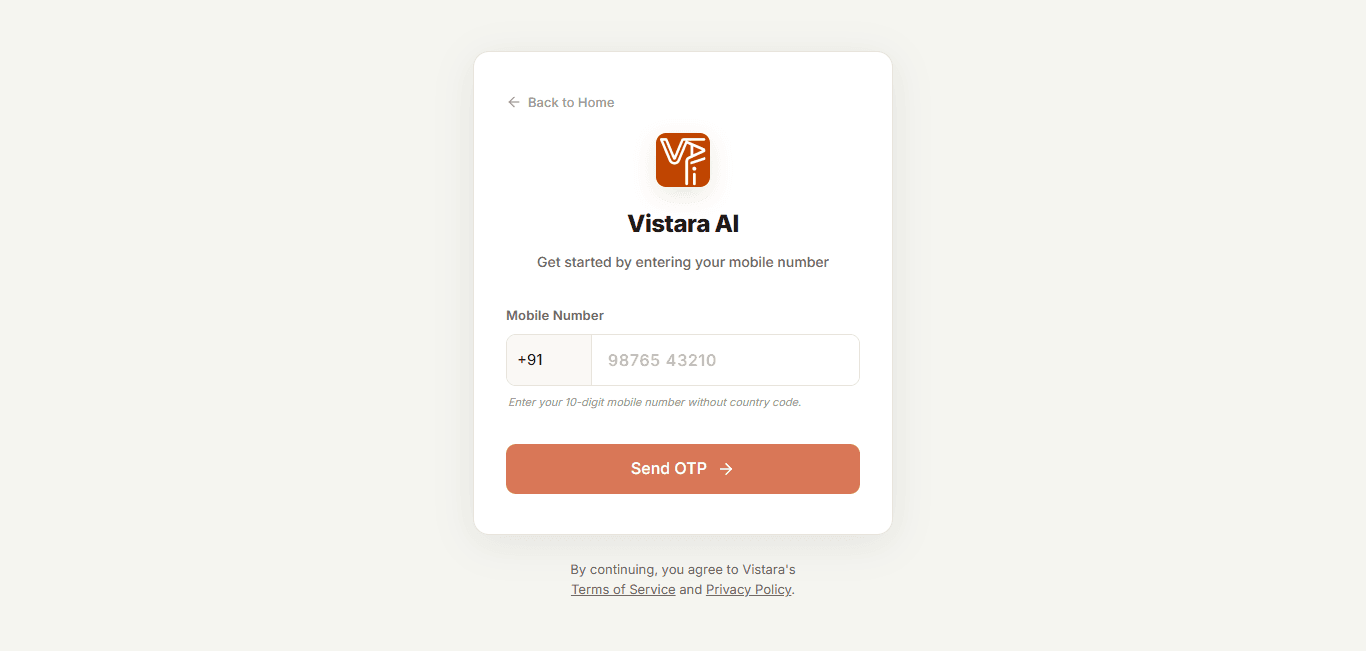
Phone Number Authentication
Fast, passwordless sign-in with your Indian mobile number. Zero forgotten passwords.
Entering your GSTIN during signup qualifies your account for B2B input tax credit (ITC) invoices and activates high-throughput carrier routes.
Executive Dashboard & Live Operations
Monitor your entire AI calling fleet from a single mission control center. Track connected minutes, active agents, campaign run rates, and recent activity in real time.
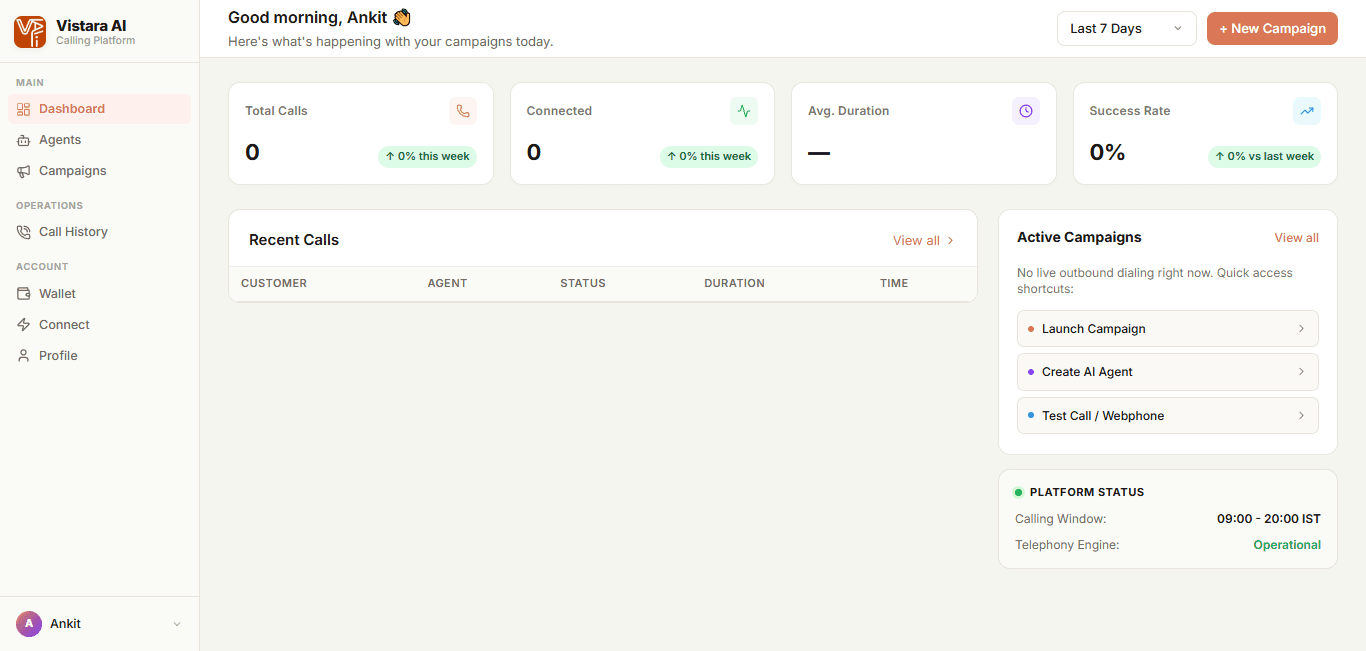
Central Command Center
Comprehensive view of call minutes, active agents, total campaigns, and live activity streams.
Check the Dashboard daily to review aggregate call duration and identify peak response times across your target customer base.
Creating & Tuning Your AI Voice Agents
Configure human-like conversational voice agents tailored to your industry. Set custom personas, first spoken greetings, ultra-low latency voice models, and automated post-call deliverables.
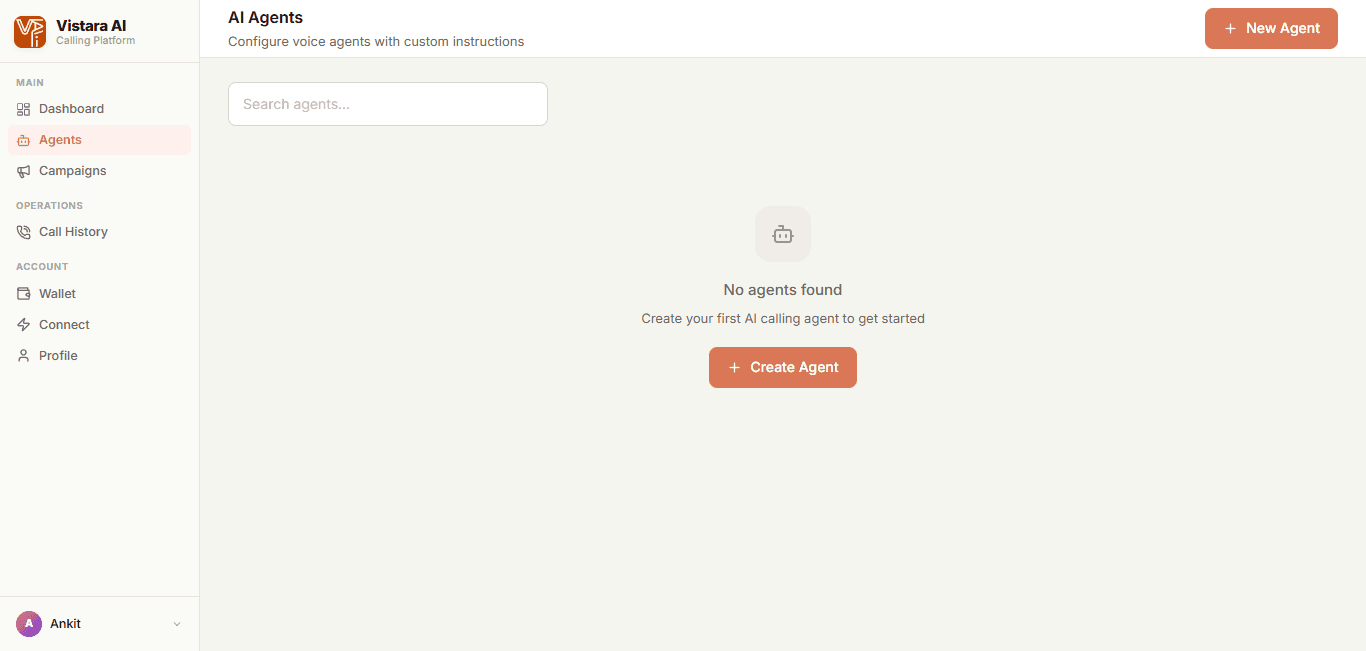
Voice Agents Hub
Manage and test all your AI agents, review voice profiles, and trigger instant test calls.
Keep your agent greeting concise (under 15 words) and ask an open question to encourage the customer to speak immediately.
Running Automated Outbound Call Campaigns
Reach hundreds or thousands of contacts simultaneously. Upload contact spreadsheets, use smart column mapping to personalize conversations, and set automated retry rules.
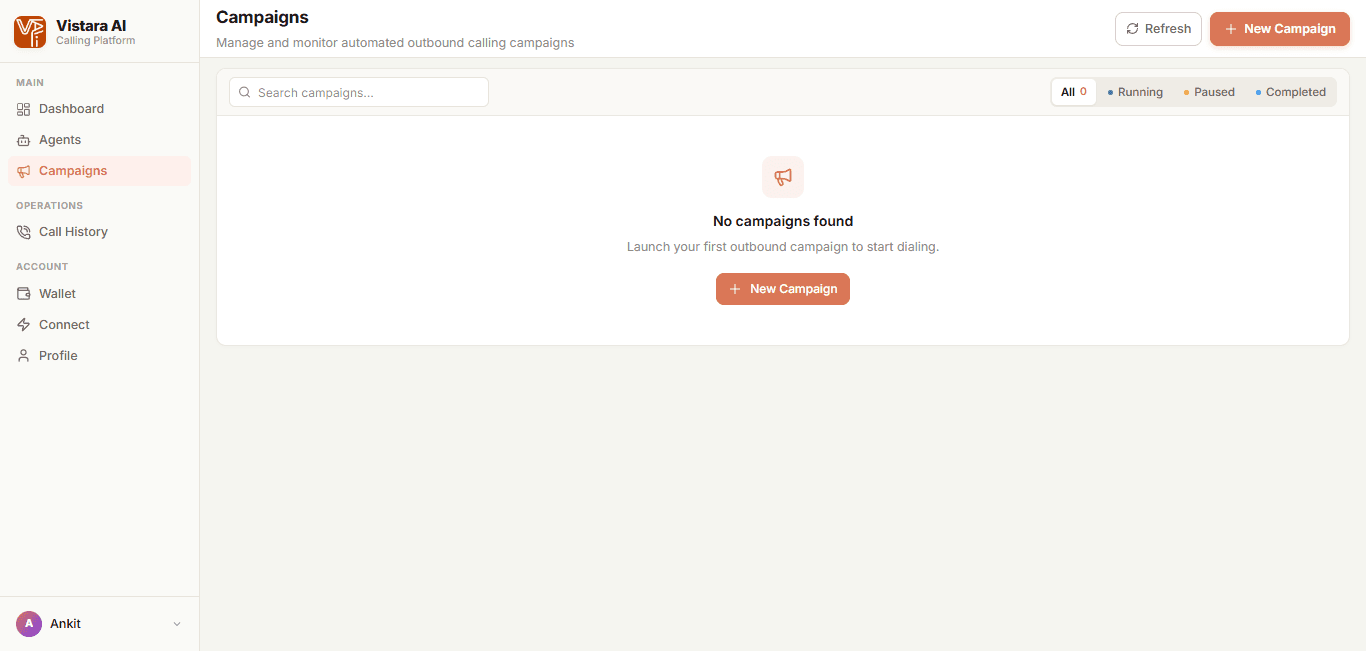
Campaigns Overview
Track active, completed, and scheduled campaigns with real-time delivery percentages.
Map custom columns such as "Preferred Car Model" or "Renewal Due Date" to give your AI agent instant personalization context.
Transparent Pay-As-You-Go Billing
Experience transparent calling with zero recurring platform fees or hidden commitments. Top up anytime using UPI, Netbanking, or Cards, and track every transaction in your ledger.
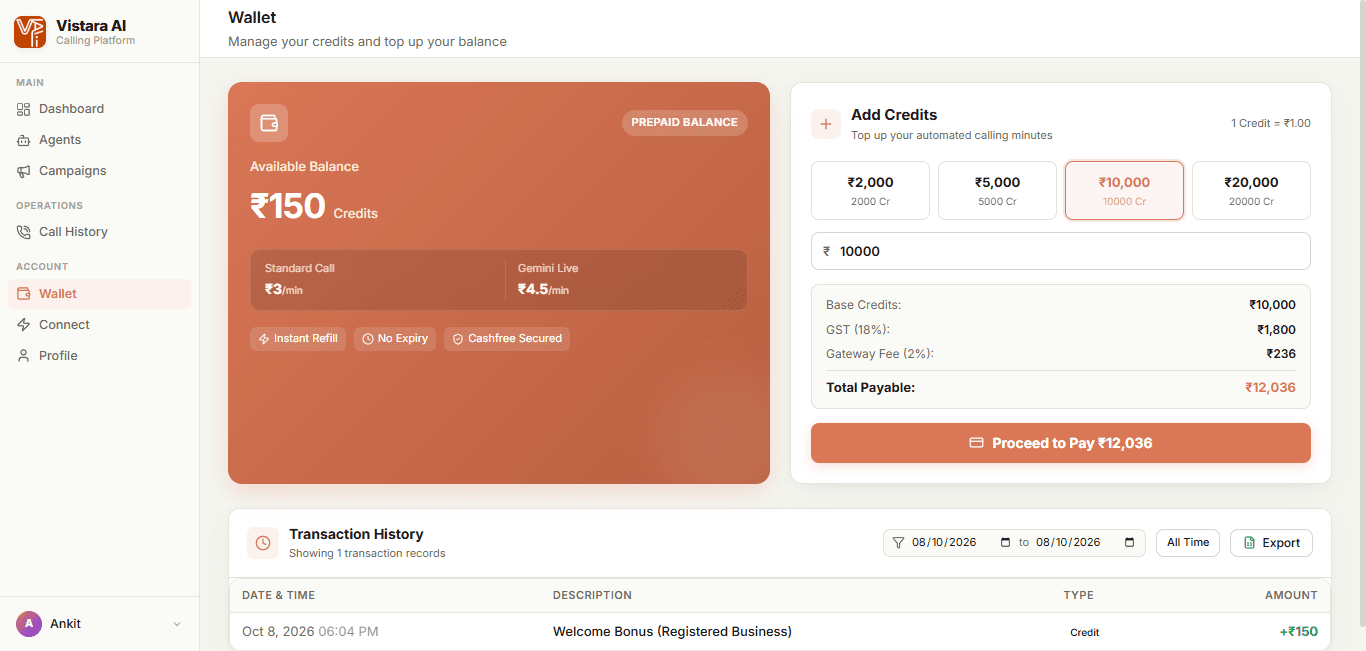
Prepaid Wallet & Transactions
Prepaid credit balance, quick recharge presets, itemized GST breakdown, and verified transaction ledger.
Credits never expire. You can top up ahead of large marketing campaigns without worrying about end-of-month expiration dates.
Developer REST APIs & Webhook Automation
Integrate Vistara AI directly into your CRM, ERP, or internal application. Generate secure API keys, trigger calls programmatically, and receive post-call webhooks in real time.
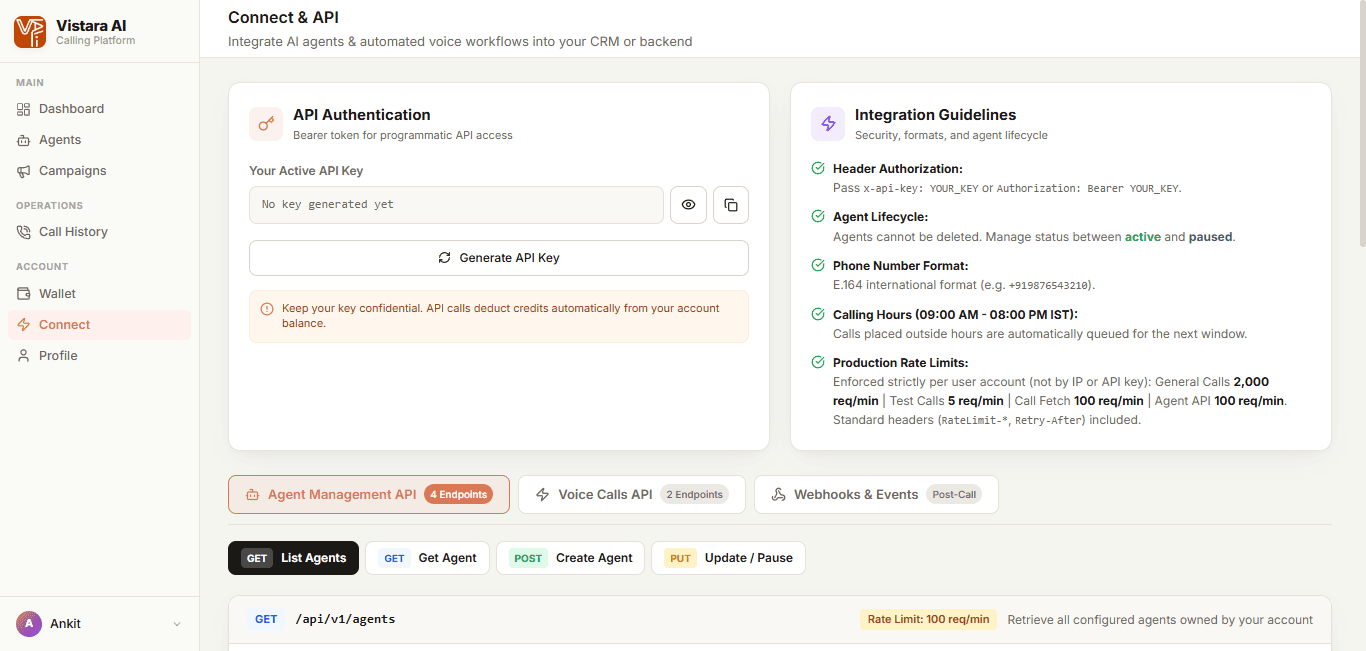
Developer Connect Hub
Manage active API keys, review production rate limits, and explore interactive code snippets.
Use Webhooks to automatically push qualified leads and booking dates directly into LeadSquared, Salesforce, or HubSpot in real time.
What you can do with Vistara AI
The four parts of the platform you will use once setup is done.
AI voice agents
Agents that hold natural phone conversations for your business, set up by writing instructions in plain language.
- Speaks 10 Indian languages plus Hinglish
- Places outbound calls and answers inbound calls on your assigned number
- Custom greeting, script, voice and persona, with no code
Calling campaigns
Call thousands of contacts, each with a personalised greeting.
- Excel/CSV upload, or sync from Google Sheets and your CRM
- Automatic retries, and callbacks rescheduled when a customer asks for one
- Calls go out only during 9 AM–8 PM IST
Call results and analytics
Every call ends with a record your team can act on.
- Recording, transcript and a short summary of each call
- Sentiment and the answers you asked for (post-call deliverables), extracted automatically
- Campaign dashboards, CSV export and webhooks to your CRM
Security and compliance
Made for regulated work such as lending and collections.
- TRAI rules on commercial communication, with DND/NCPR scrubbing before promotional calls
- RBI Fair Practices Code calling hours and non-coercive scripts for lending and collections
- Encrypted in transit and at rest, audit logs and role-based access control
Four ways to connect Vistara AI
- Upload a spreadsheet (No code). Upload an Excel or CSV list in the dashboard, map the columns to your agent's greeting and launch a campaign with automatic retries. Excel campaigns →
- Connect your CRM or Google Sheets (No code). Sync leads in and call results out with Google Sheets, HubSpot, Salesforce or Zoho CRM. CRM integrations →
- Call the REST API (Developers). Start a call with one POST to /api/v1/calls/initiate and receive the transcript, summary, sentiment and extracted answers by webhook when it ends. API overview →
- Paste a prompt into your AI coding tool (Developers and app builders). Copy one prompt into Claude, Cursor, ChatGPT, Copilot, Lovable, Bolt or another AI coding tool. It sets up the agent, rings your phone and writes the integration code. Pick your AI tool →
Frequently Asked Questions
Everything you need to know about getting started with Vistara AI.
How fast can I start placing live calls after signing up?
Do I need coding or technical skills to create an AI voice agent?
Can Vistara AI agents understand Hinglish and Indian regional accents?
How does automated call retry logic work?
What are Post-Call Deliverables and how do they benefit my CRM?
Are there monthly platform subscription fees or minimum commitments?
Ready to Automate Your Voice Calling?
Sign up in 60 seconds with your mobile number. Get ₹150 in preloaded test credits and launch your first AI voice agent today.